
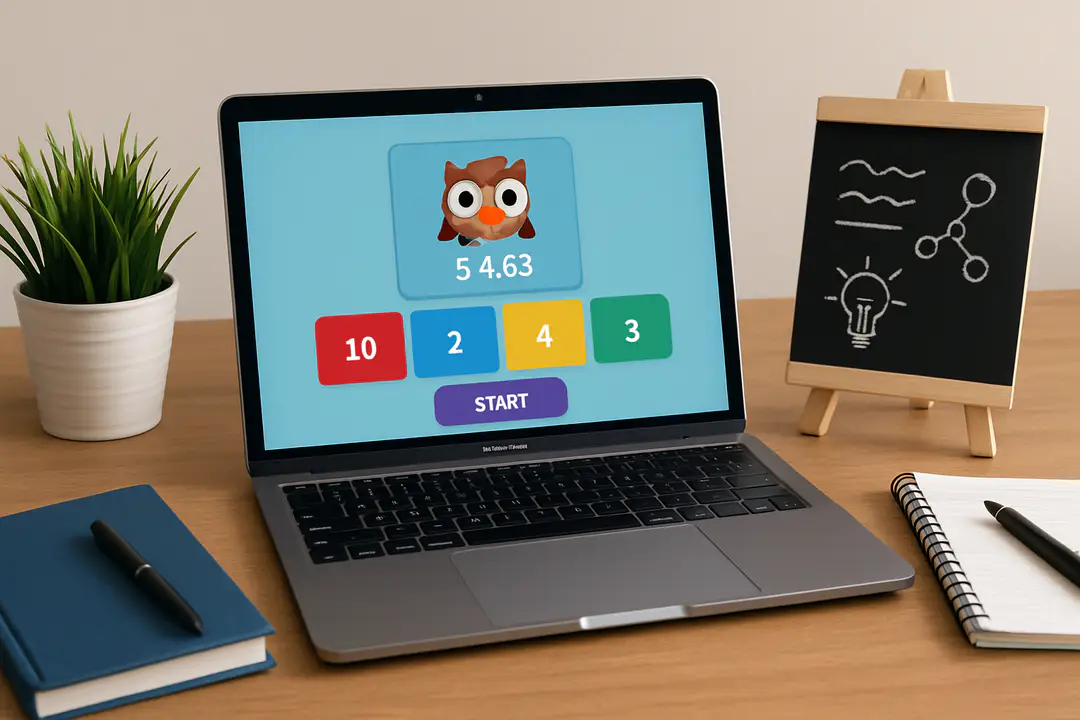

Running a fun classroom quiz can turn a dull lesson into an exciting challenge. But many hosts forget how critical pacing and timing are for keeping students engaged. A smooth pace ensures momentum and avoids downtime. Have you ever wondered why some Blooket sessions lose steam even when the questions are spot on?
It all comes down to mastering the host controls and anticipating student reactions. Understanding timing tools and interactive features helps you keep the energy high and questions flowing. With these insights, you can lead a session that feels seamless and keeps learners motivated rather than bored.
Why Host Matters
The host sits at the heart of every Blooket game. Deciding when to start and pause can boost excitement or kill it. A confident host guides students through each round with clarity.
Engagement often hinges on how you frame questions. A quick explanation avoids confusion and helps everyone follow along. Students respond better when they know what to expect next.
New hosts sometimes rush through setup and hit awkward pauses later. That makes students lose focus. It pays to rehearse transitions beforehand.
You can sidestep common pitfalls by tweaking settings in advance. Checking your internet and browser compatibility avoids sudden glitches. A test run with a friend or colleague highlights any hiccups.
Hosts gain extra support from tools like timers and sound effects. These small touches keep energy up. They also signal when to move on without lengthy explanations.
For teachers exploring classroom platforms beyond Blooket, resources like classroom management sites offer fresh ideas for flow and structure.
Setting Up the Game
Starting a Blooket session begins in the dashboard. Click on Create a Game, then pick from Quiz, Team Mode, or other options. Each mode changes how players interact.
Next, add your questions. You can type them yourself or import a pre-made quiz. This step takes a few minutes if you gather your content in advance.
Set a time limit for each question. Short timers keep the pace quick. Longer limits may suit complex questions.
Choose point values carefully. High points reward tougher rounds but can fast-forward winners. Balanced rewards keep more players in the race.
Review your game settings before you launch. Check the randomized answers option if you want a fresh challenge each round. Look at the theme or style to match your lesson tone.
Finally, share the game code or link. Display it on a projector or send it via chat. Encourage students to join within the first two minutes to avoid late sign-ups.
Customizing Game Settings
Once your quiz is loaded, dive into the Game Settings menu. This area controls everything from speed to bonus features. Small tweaks can change the entire feel of the session.
Key settings worth exploring include:
- Answer Time Limit: Adjust for complexity.
- Power-Ups: Enable to mix strategy.
- Team Mode Options: Choose split or mixed teams.
- Shuffles: Randomize questions and answers.
- Theme Selection: Match visuals to your topic.
Testing these before you invite students helps prevent surprises. For example, a two-second time boost can make last-second answers more thrilling. Experiment with Power-Up frequency to ramp up competition.
Many hosts overlook the sound settings. Enabling sound effects gives feedback cues and cheers on correct answers. It also signals when play moves to the next round without extra instructions.
For broader ideas on interactive platforms, you might explore communities that compare new gaming tools and formats.
Classroom Setup Tips
Before you go live, prepare your classroom environment. Make sure screens are visible to all students. Check that audio is loud enough for clear feedback sounds.
Organize seating so students can chat quietly during team rounds. That encourages collaboration without distracting others. A small whiteboard can display the game code in case someone misses it on screen.
Use a calm countdown before the game starts. This prepares players mentally and cuts down on late arrivals. A two-minute warning helps everyone get settled.
Consider having a tech helper for large classes. They can monitor raised hands or chat messages while you focus on hosting. This split focus keeps the game smooth.
If you ever need fresh approaches, guides on classroom design can spark new ideas for layouts and workflows.
Engagement Strategies
Engagement goes beyond questions and answers. Use mini-challenges or sudden bonus rounds to keep interest high. A surprise speed round can break the routine and re-energize players.
Celebrate top scores with praise or virtual badges. Public recognition motivates the class and fosters friendly competition. Letting leaders share a quick tip also builds community.
Rotate hosts or let students submit questions. This involvement deepens ownership in the game. It also teaches responsibility and encourages critical thinking.
Try mixing in polls or quick surveys between questions. It acts as a cool-down and gives you instant feedback on pace and difficulty.
Online quizzing tools often offer integration tips and inspiration for new features to test in your next session.
Data and Feedback
Analyzing game results reveals where students excel or struggle. Review answer distributions to spot common mistakes. This data helps you tailor follow-up lessons.
Use quizzes as low-stakes assessments. Share results in private messages so students feel safe to try again. It builds confidence over time.
Collect student feedback after sessions. A quick form or chat poll can highlight what worked and what felt rushed. Adjust your next game based on those insights.
Keep track of completion rates and average scores. Plot trends over weeks to gauge improvement. Visual charts make it easy to share progress with colleagues or parents.
Refining your approach through analytics ensures each session gets better. Over time, you’ll host games that suit your class perfectly.
Conclusion
Becoming an expert Blooket host takes practice and attention to detail. By mastering pacing, customizing settings, and setting up your classroom right, you create a smooth experience. Engaging strategies like surprise rounds and student-led questions keep energy high.
Don’t forget to lean on data. Reviewing performance and collecting feedback guides your next steps. Each session becomes sharper and more tailored to your learners’ needs.
With these tips, you’re ready to run Blooket games that excite your students and support learning goals. Start small, refine as you go, and watch participation soar.


