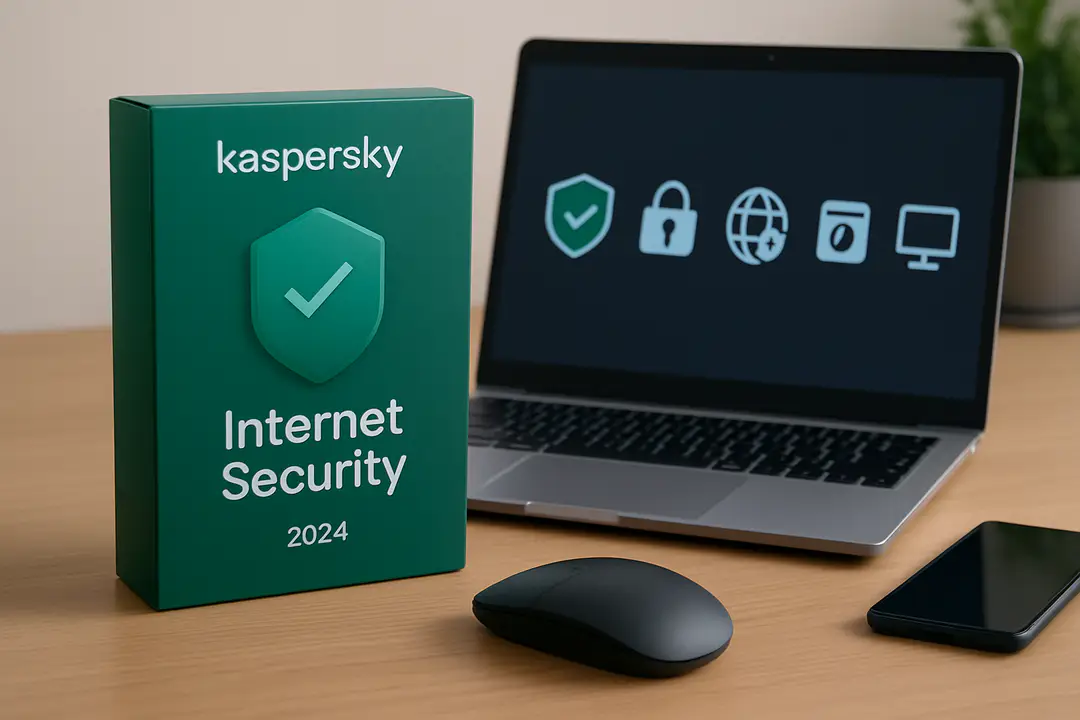

Online threats loom larger than ever, and a solid antivirus suite is your digital bodyguard. Yet while we all focus on malware detection, many forget that not all antivirus includes special banking protection. Kaspersky has a dedicated Safe Money feature designed to shield financial transactions from sneaky attacks. But how many of us pause to check if our antivirus really secures that corner of our web browsing?
Understanding this hidden layer can save you from nasty surprises. Safe Money steps in automatically when you visit a bank or payment site. It opens a secure window, checks site certificates, and blocks any sketchy add-ons. With this insight, you can choose tools that cover every angle.
Layered Malware Protection
Kaspersky Antivirus uses multiple engines to spot threats. It runs signature checks, behavior analysis, and cloud scans at once. This layered approach catches known viruses and new, unknown malware. You also get a built-in firewall that stops suspicious network traffic. For a practical tip, set your scan schedule so updates run before you start work. That way, you get the latest definitions without slowing you down.
The suite also adds advanced heuristics. These rules look for unusual file actions, like hidden encryption or sudden copying of personal data. If something stands out, the system isolates the file in quarantine. Over time, Kaspersky learns from these events. It refines its detection to cut false alarms and boost real accuracy. For more ideas on bolstering your toolkit, check this guide to online security tools.
Safe Money Banking
Safe Money is the feature that kicks in on payment pages. When you log into a bank site, Kaspersky prompts you to open it in a secure desktop window. This sandbox locks out keyloggers and screen grabbers. It also checks that the site’s certificate is genuine. If it spots any mismatch, it warns you before a page opens.
Inside this window, you can shop or transfer funds without worry. The software blocks browser plugins and extensions that might steal your data. It also hides your session from local network snoopers. A simple tip: bookmark your bank’s secure URL. This reduces risk of typos that lead to phishing sites. Over time, watch the Safe Money log for any failed checks. If you see warnings, update your software and keep an eye on your accounts.
Privacy Tools Explained
Beyond malware, your privacy is a big deal. Kaspersky adds anti-tracking and webcam protection. The anti-tracking mode blocks cookies that follow you from page to page. It trims down ads and keeps your browsing cleaner. Webcam guard asks for permission whenever an app tries to turn on your camera. That prevents sneaky spy software from peeking in.
The suite also has a built-in VPN with limited daily data. It helps when you use public Wi-Fi. This mask on your IP makes it harder for attackers to link your traffic back to you. For up to 200 MB a day, you can secure email checks or online forms. If you need more, upgrade to the full VPN add-on. Staying on top of new encryption methods matters. Follow the latest technology updates to know when threats evolve.
Performance and Scans
Running scans without a slowdown is key. Kaspersky gives you several modes:
- Quick Scan: checks only active system areas.
- Full Scan: covers every file and folder.
- Critical Areas: focuses on memory and boot sectors.
- Custom Scan: you pick folders or drives.
You can set scans for times when you are away. That way, heavy duties run overnight. The software also uses low-resource mode if you launch a full scan during work hours. It will pause when you play a game or open a heavy app.
Stay updated with the latest application patches. Kaspersky can auto-update other software on your PC. This reduces holes in apps like browsers or PDF readers. Using software updates often prevents attacks before they start. A quick tip: enable auto-update in settings. That way, your tools stay patched without a second thought.
User-Friendly Interface
Kaspersky’s dashboard is clear and simple. You see scan status, license details, and key features at a glance. Big buttons let you run a scan, open Safe Money, or start a VPN. Color-coded icons show any issues you need to address. It even sends pop-ups for critical alerts, so you don’t miss a block or warning.
The settings menu is logical. You can turn features on or off with a click. Want to skip scans for a specific folder? That option is one checkbox away. Need to tune notifications? You can silence non-urgent alerts while keeping high-priority ones. Overall, it feels like using an app designed for real people, not experts only.
Family Parental Controls
Keeping kids safe online can be a struggle. Kaspersky adds a robust set of parental controls:
- Web Filter: block adult and violent sites.
- Time Management: set hours for computer use.
- Social Media Rules: limit messaging and profiles.
- App Restrictions: prevent game or video apps at study time.
- Location Tracking: see where your child’s mobile device is.
You can check reports on web searches, visited sites, and app use. These logs arrive daily in your email. A tip: review them together with your child. It opens a chat about safe habits instead of sneaking around. Also, set strong passwords on control settings so kids can’t change them.
Conclusion
Kaspersky Antivirus Internet Security brings a full suite of defenses. You get malware shields, a secure sandbox for payments, and tools to guard your privacy. The software also focuses on speed and ease of use. With clear paths to run scans, update apps, and tweak settings, you stay in control. Parents benefit from detailed reports and filters to guide children online.
For anyone seeking a reliable all-in-one solution, understanding features like Safe Money and scan modes is key. These often-overlooked tools can make the difference between a safe session and a data breach. Take a moment to explore each setting today. A few clicks now can prevent headaches tomorrow. Go ahead—secure your digital life with confidence.